
Revision history [back]

Firstly, PadAgent may have crashed. You can try re-downloading and reinstalling PadAgent.
If it has been reinstalled but still cannot open, and you are using a Mac, please check whether the PadAgent icon appears in the top-right corner of the screen. If the icon does not appear, it means the Agent has not yet been installed. If the icon does appear but files still cannot open, please check whether the path is correct. *If the path is incorrect, PadAgent will not be able to launch the program. Correct path on Mac : Application> PAD Share folder > PadAgent folder > PadAgent
The picture below illustrates where PadAgent appears on different operating systems while running.:
Mac: 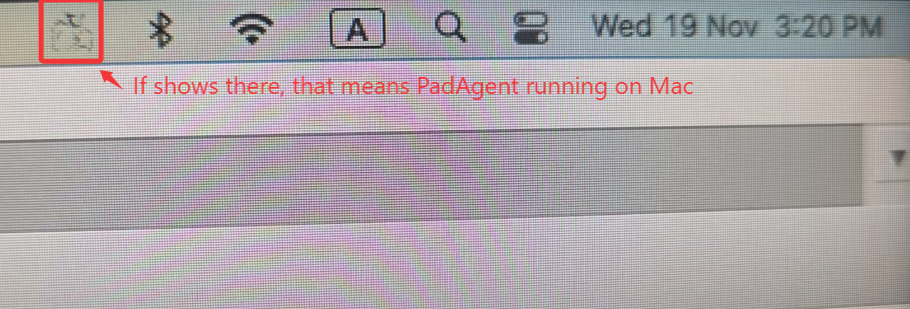
PC: 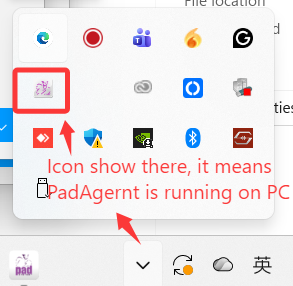
Firstly, PadAgent may have crashed. You Maybe Padagent crash, you can try re-downloading to re-download the padagent and reinstalling PadAgent.install it again.
If it has been reinstalled but still cannot open, and you are using a Mac, please check whether the PadAgent icon appears in the top-right corner of the screen. If the icon does not appear, it means the Agent has not yet been installed. If the icon does appear but files still cannot open, please check whether the path is correct. *If the path is incorrect, PadAgent will not be able to launch the program. Correct path on Mac : Application> PAD Share folder > PadAgent folder > PadAgent
The picture below illustrates where PadAgent appears on different operating systems while running.:
Mac:
PC: