CAnt install Pad agent on new MacOS
Followed the install anyway walk-around!
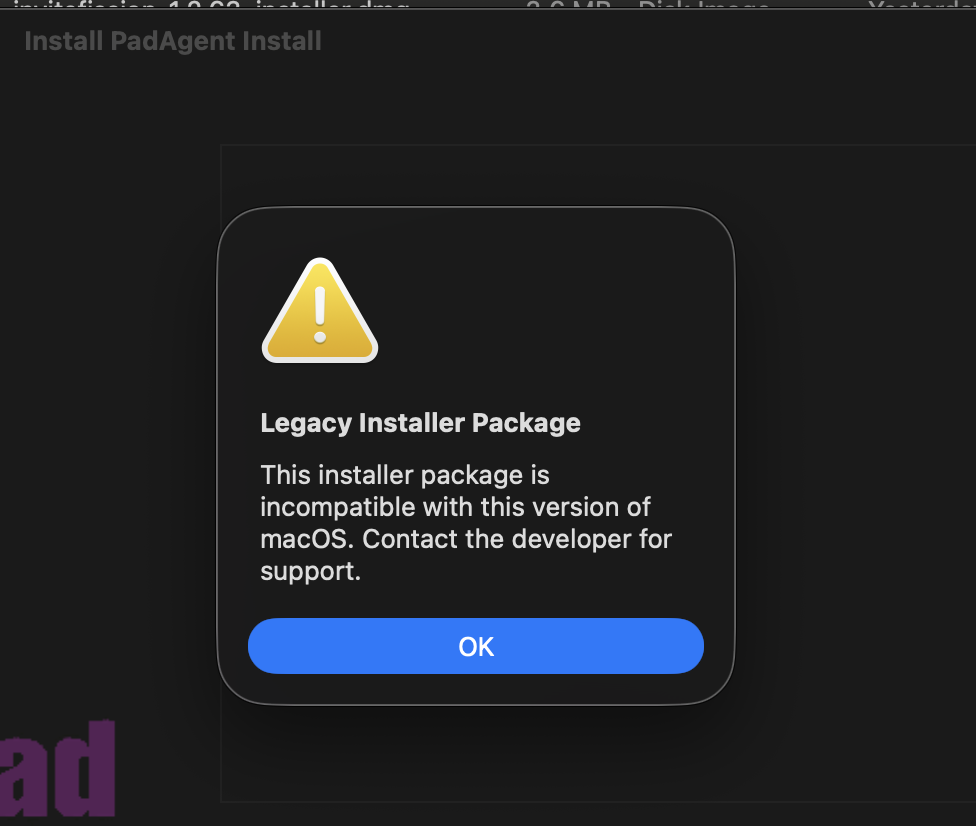

Please follow the steps to allow the PadAgent to run and install below:
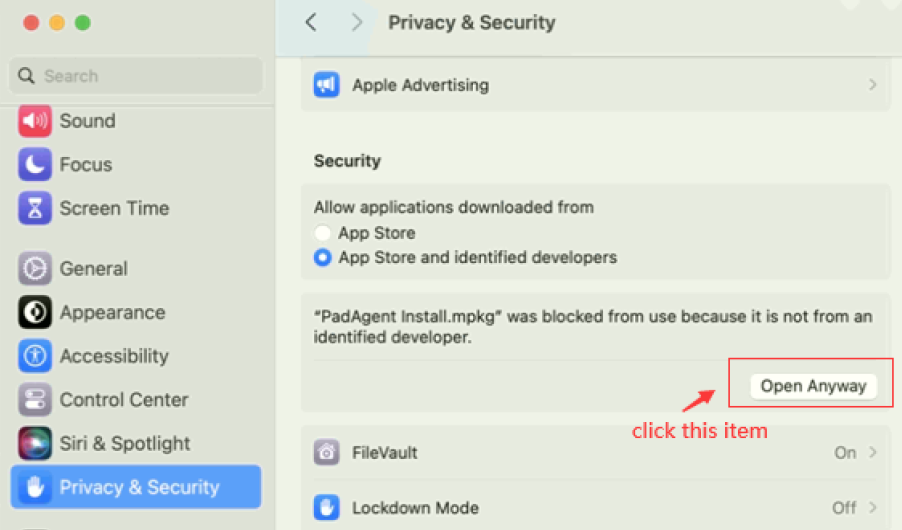
Go to 'System setting' > 'Privacy & Security' > Click 'Open anyway'
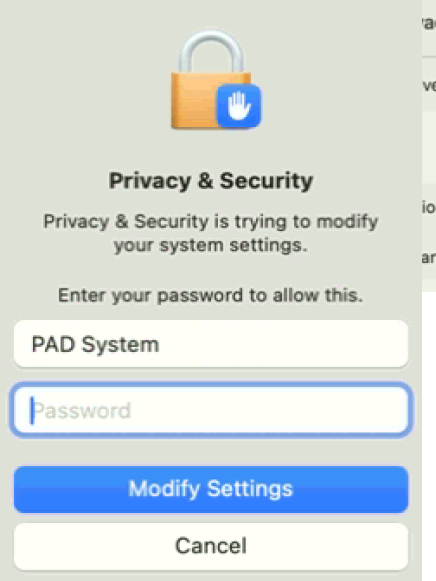
Input the password to activate the install function
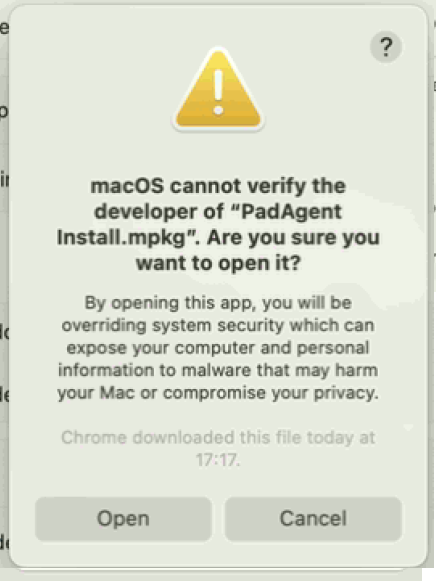
If this message appears, please click 'open'.
Please click OK Legacy Installer package
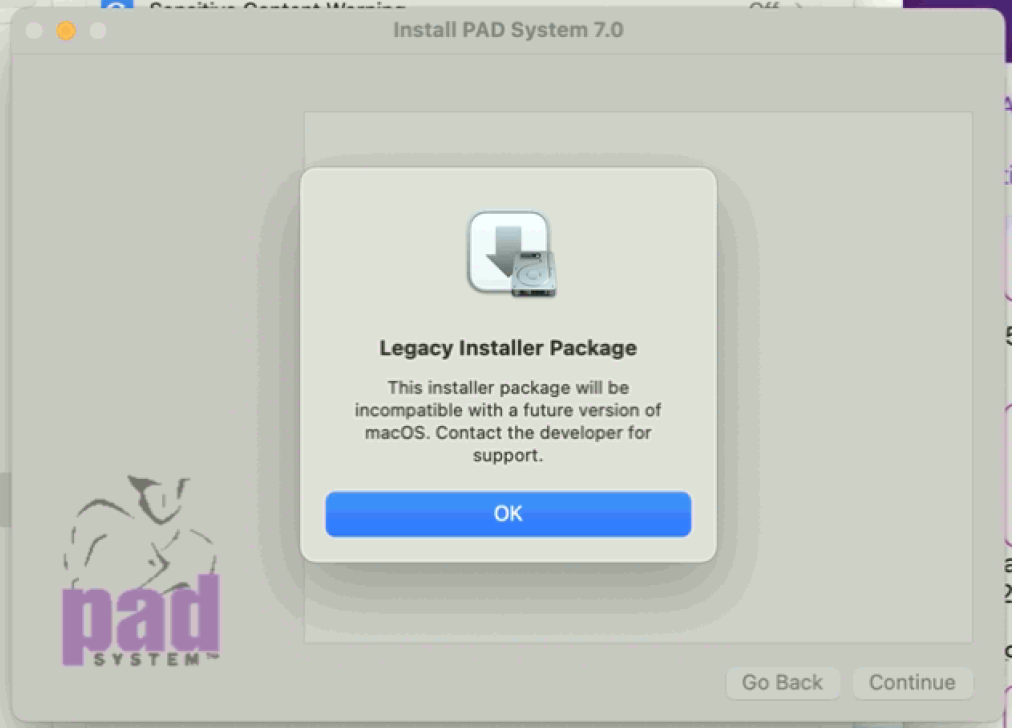
It will pop up to install PadAgent, please click to install PadAgent
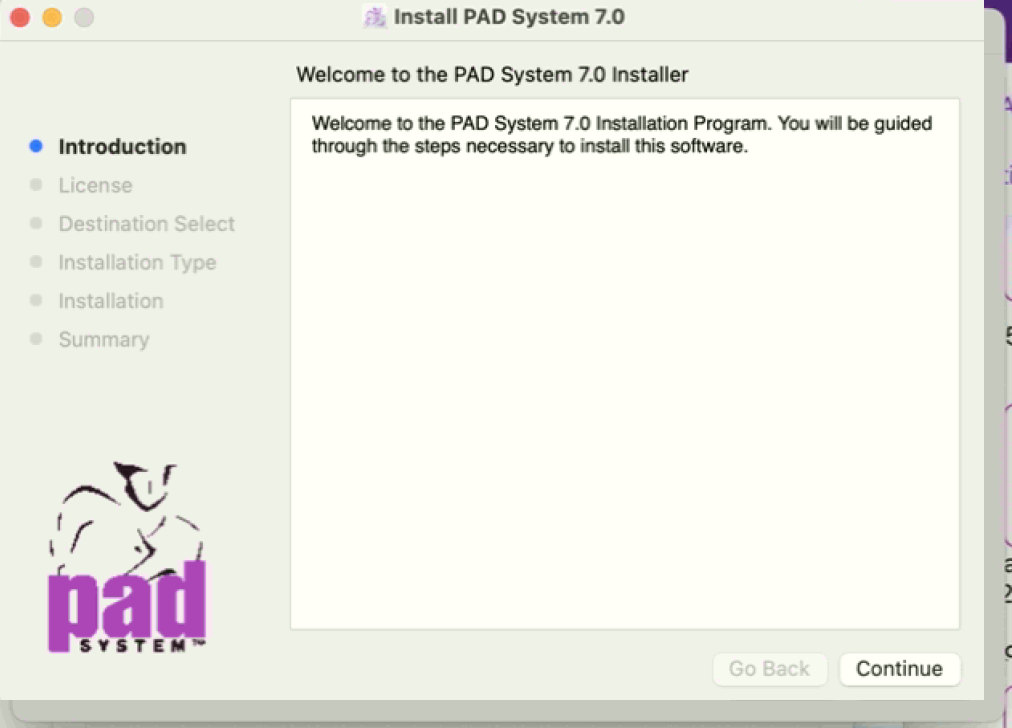
I did this, but this "Install PadAgent, please click to install PadAgent" did not pop up
Our support team has sent you an email requesting more information. You can also contact us directly at 'support@padsystem.com' for further support. Our team will help check your issue in more detail.
To enter a block of code:



Comments