Revision history [back]

When I open a file, I go to View, then Show Widget, and then Show Grading Library. This opens a Grading Library dock on the right side of my workspace. From there, I can click the file icon with the downward arrow, which gives me the option to select Open. After that, I can access the Grade Lists.
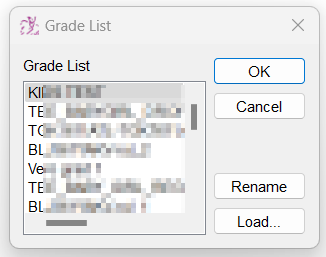
It is the content of this Grade List that I would like to delete.